(For further information please see Microsoft's official Article KB931836)
RUN the MS Windows 2003 Server daylight savings 2007 update patch (daylight_2003.exe) by clicking here.
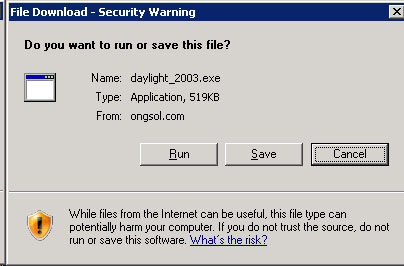
As in the following picture, you should be given the choice to RUN, SAVE or CANCEL. Choose RUN.
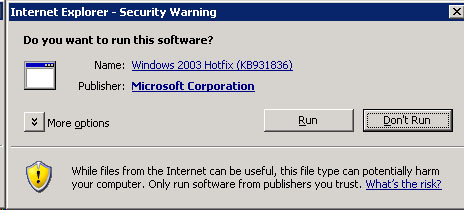
2. (as in the following picture) You should then receive another security warning, where you will be given the choice to RUN or Don't RUN.
Choose to RUN the software.
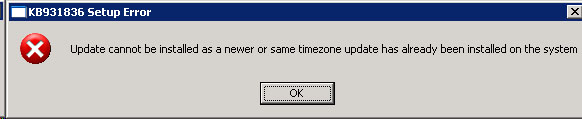
3. At this point, if the daylight savings patch is already installed, OR if you don't have SP1 or greater installed, you will be notified, as in the following picture. (The service pack warning is similar to this one). If this is the case, choose OK to exit. Obviously, if you recieved the "already installed" error, you are finished. However, notify me if you need to get the service pack installed. Otherwise, if neither of these two errors occur, skip to step 4.
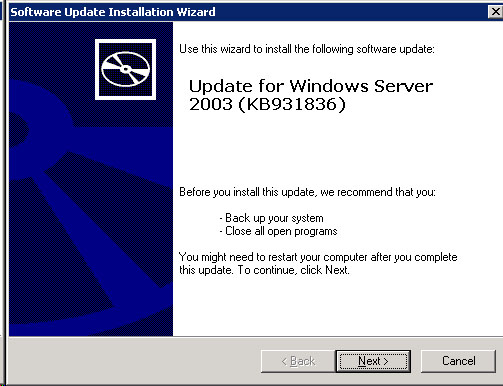
4. The Software Update Installation Wizard will appear, as in the following image. Choose NEXT to continue.
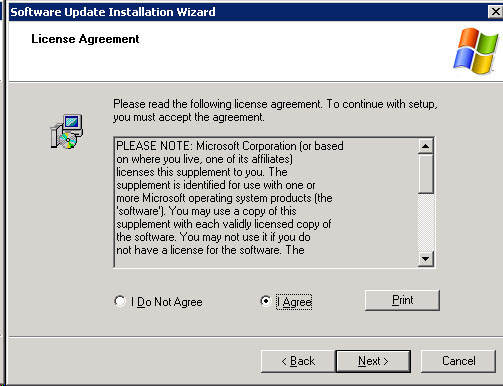
5. The License Agreement will then appear, as in the following image. Select "I Agree", and then click NEXT.
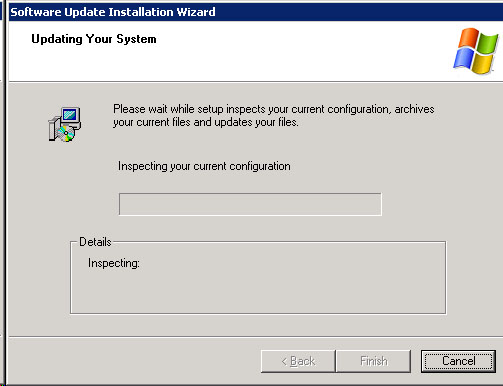
6. The Update will begin gathering information and installing, looking something like the following image.
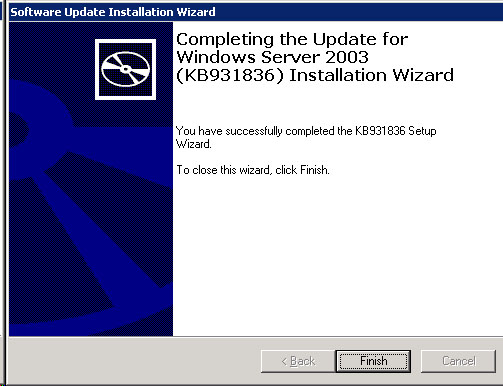
7. The installation will finish, as in the following picture. Click on FINISH.
You are finished updating daylight savings for Windows 2003 Server Family.